





Everything You Need to Know About PDF QR Codes
What Is a PDF QR Code?
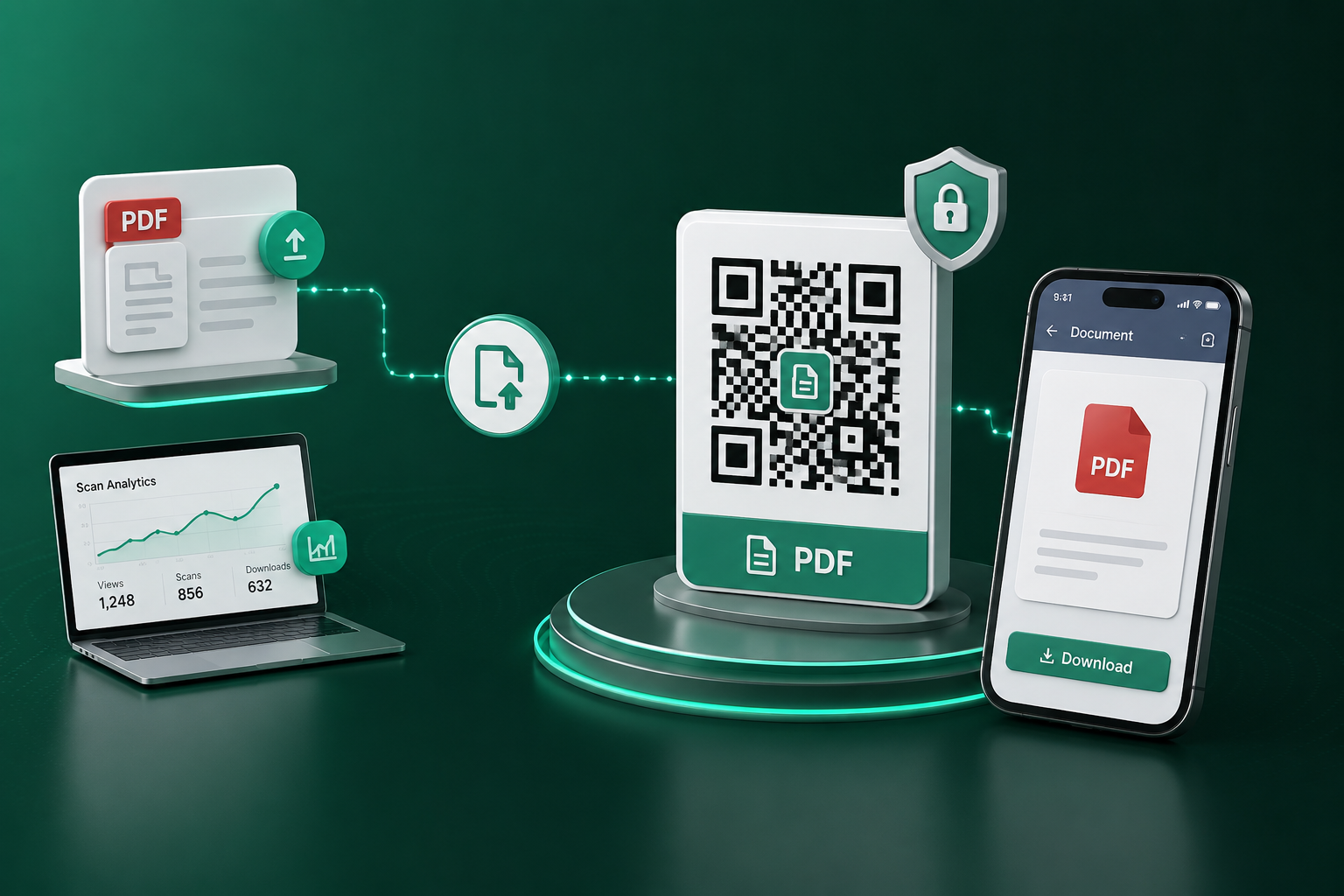
A PDF QR code is a specific type of digital asset that links a physical quick response (QR) barcode directly to a Portable Document Format (PDF) file. When a user scans the code using their smartphone camera, they are instantly redirected to a secure, mobile-optimized viewer where they can read, download, or share the document. It serves as a digital bridge between physical marketing collateral and comprehensive digital information.
How PDF QR Codes Work
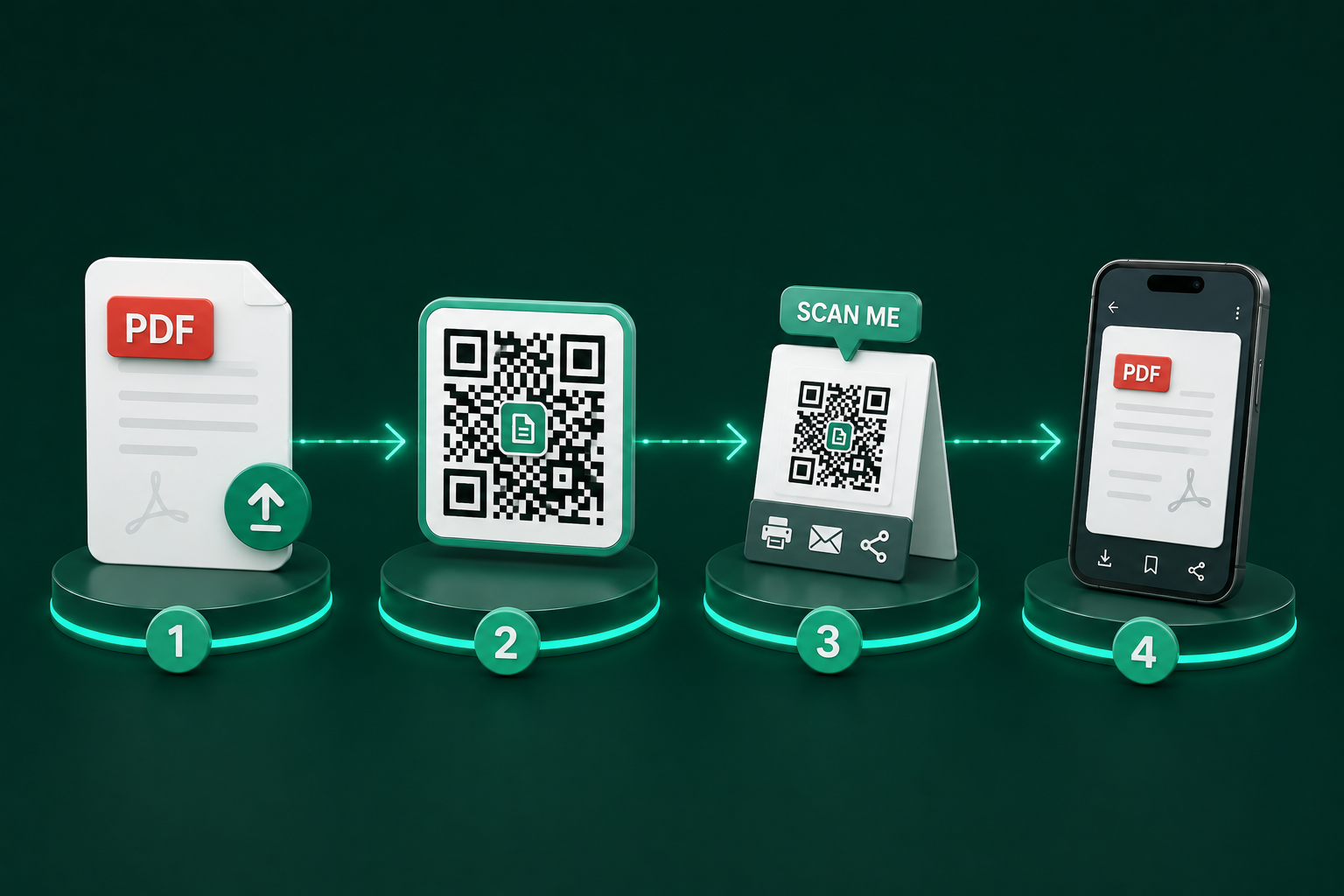
Unlike standard website URLs, a dedicated PDF QR code engine (like QRTRAC) hosts the file on a global Content Delivery Network (CDN). The process involves uploading your file, which the system then compresses, encrypts, and distributes across edge servers. The generated QR code contains a dynamic short-link pointing to this optimized file. When scanned, the system detects the user's device and bandwidth, serving the most appropriate version of the document in under two seconds.
Benefits of PDF QR Codes
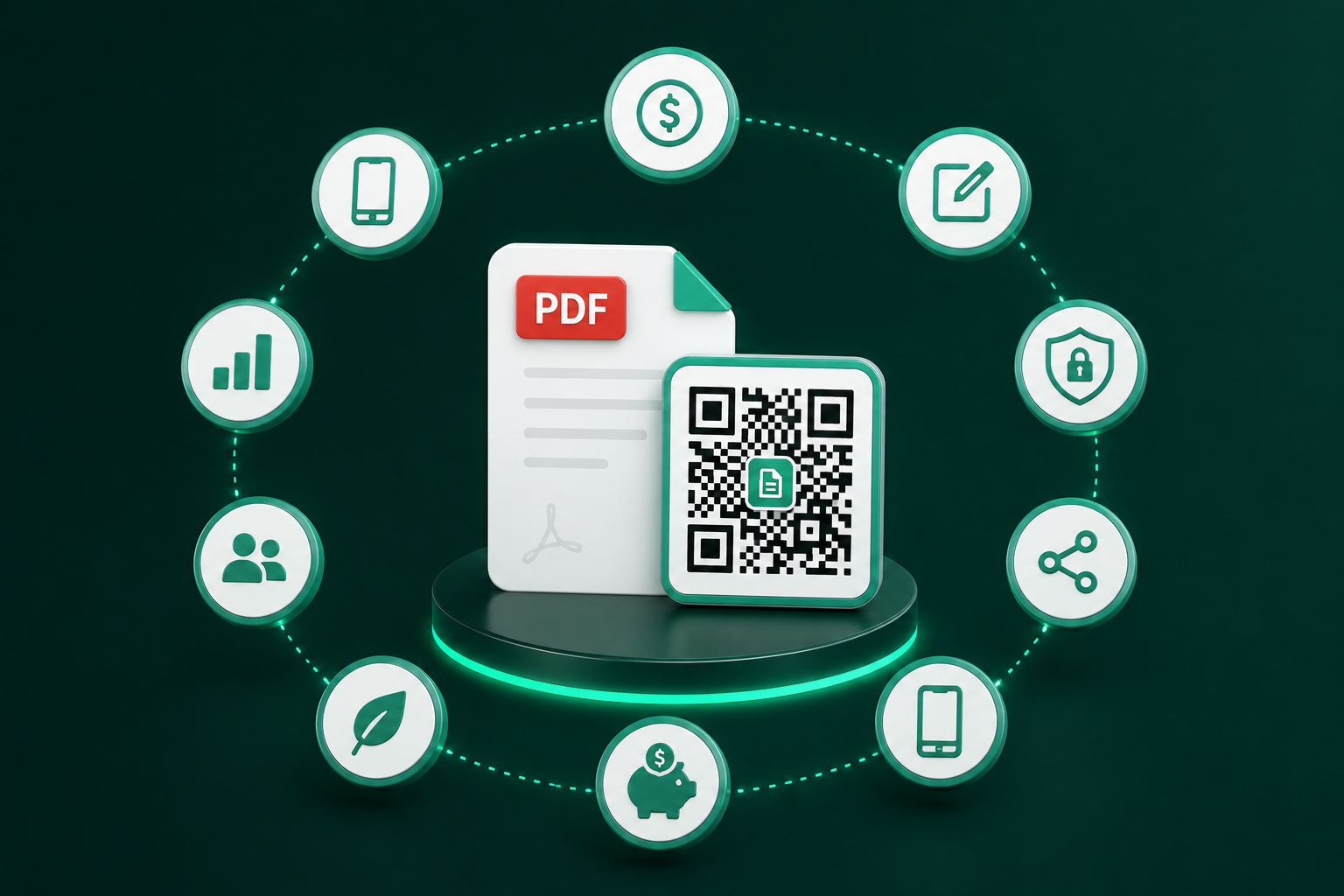
- Cost Reduction: Eliminate the need to print lengthy manuals or menus.
- Instant Accessibility: No apps required; native camera scanning works on iOS and Android.
- Version Control: Update the PDF remotely without changing the physical QR code.
- Deep Analytics: Track scans by location, time, and device type.
Business Applications
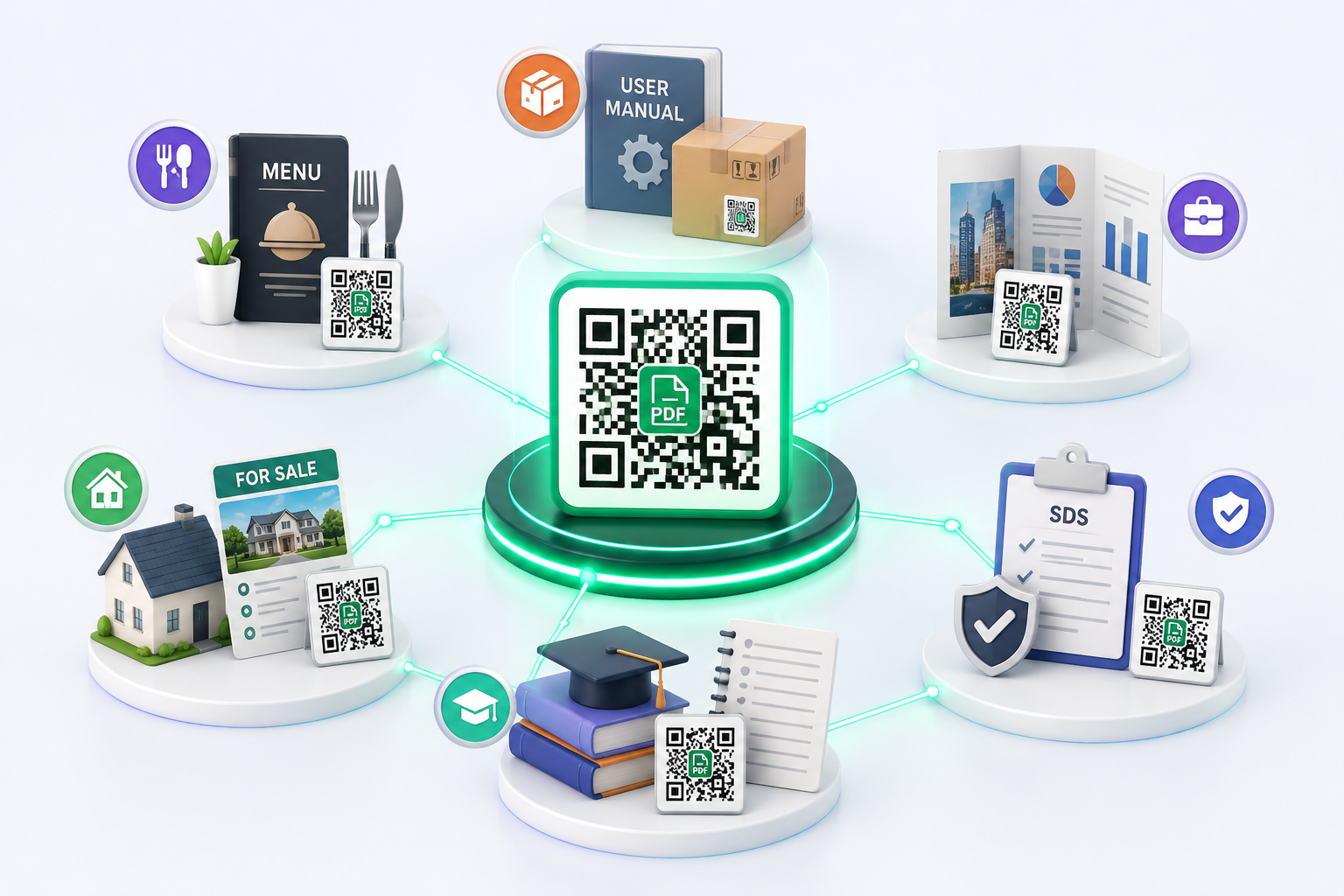
Modern businesses utilize these codes to streamline operations. Instead of handing out 50-page employee handbooks, HR departments print a single QR code on a welcome card. Marketing teams embed them in magazine ads so readers can instantly download a product catalog. The applications are limitless, from restaurant menus to real estate property disclosures.
Industries Using PDF QR Codes
The adoption of PDF QR codes spans multiple sectors. Healthcare uses them for touchless patient intake and post-care instructions. Manufacturing relies on them for machinery safety data sheets (SDS) and maintenance logs. Education leverages them for campus maps and event schedules. Any industry that relies on information distribution benefits from this technology.
Dynamic vs Static QR Codes
A Static QR Code hardcodes the destination URL directly into the visual pattern. If that URL breaks or changes, the QR code is dead forever. A Dynamic QR Code uses a permanent short-link redirect. This allows you to log into a dashboard and swap out the destination PDF at any time. For business use, Dynamic QR codes are the only viable option due to their flexibility and tracking capabilities.
Security Features
Enterprise-grade PDF QR generators offer robust security. This includes 256-bit AES encryption for file hosting, SSL/TLS for data transit, and the ability to password-protect individual QR codes. This ensures that sensitive documents—like board meeting notes or proprietary product schematics—cannot be accessed by unauthorized individuals even if they find the physical QR code.
Analytics & Tracking
By using a dynamic QR code, businesses unlock powerful marketing data. You can track total scans, unique visitors, geographic heatmaps (down to the city level), and the operating systems used by your audience. This data is invaluable for calculating the ROI of offline marketing campaigns.
Best Practices
To maximize engagement, ensure your PDF is optimized for mobile viewing (under 15MB, large fonts). Always add a clear Call to Action (CTA) near the printed code, such as "Scan to Download Manual." Furthermore, incorporate your brand's colors and logo into the QR code design to increase trust and scan rates.
Common Mistakes to Avoid
The biggest mistake is printing a static QR code for a file that might change. Another common error is failing to provide context; a plain black-and-white QR code without a CTA is often ignored. Lastly, ensure the contrast between the QR code and the background is high enough for older smartphone cameras to read easily.
Future of PDF QR Codes
As augmented reality (AR) and localized data distribution evolve, PDF QR codes will become even more integrated into our physical environment. Expect to see deeper CRM integrations, where scanning a real estate PDF automatically logs the lead into Salesforce, or manufacturing codes that trigger automated maintenance workflows.